 Gateles
Gate your apps, gain control
Start your morning before your phone does.
Gateles is an iPhone app that blocks distracting apps until you complete a verified meditation in Headspace, Calm, Waking Up, or the built-in timer.
You can't skip it.
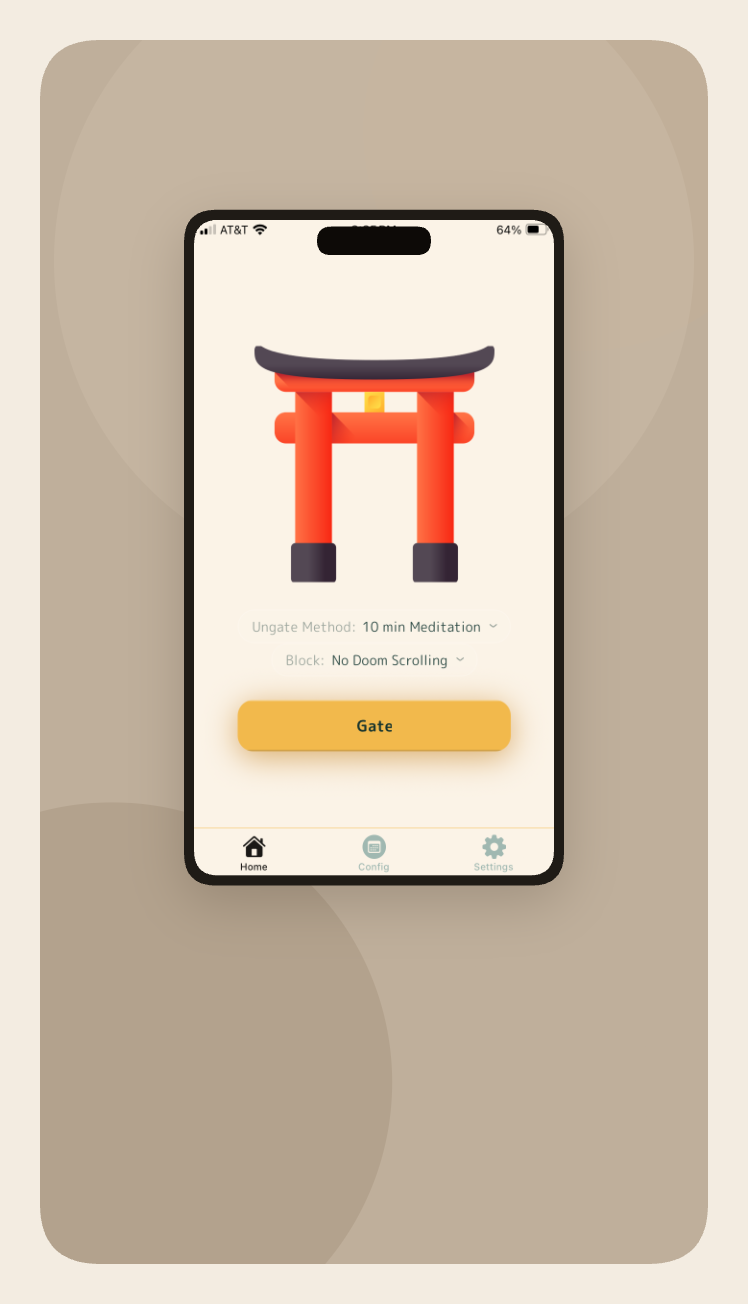
Introducing Gateles
Protect your attention.
Gateles is a screen-time blocker with one twist — to unlock your apps, you must find a moment of presence first. It doesn't lock you out forever. It just asks for a moment of mindfulness before you scroll.
How It Works

Choose your apps
Block the apps that pull your attention most.
Set your sit time and verification method
Even a minute counts. Then gate up and lock your apps.

Unlock with presence
Complete your meditation and find presence before unlocking your apps.
What Makes It Different
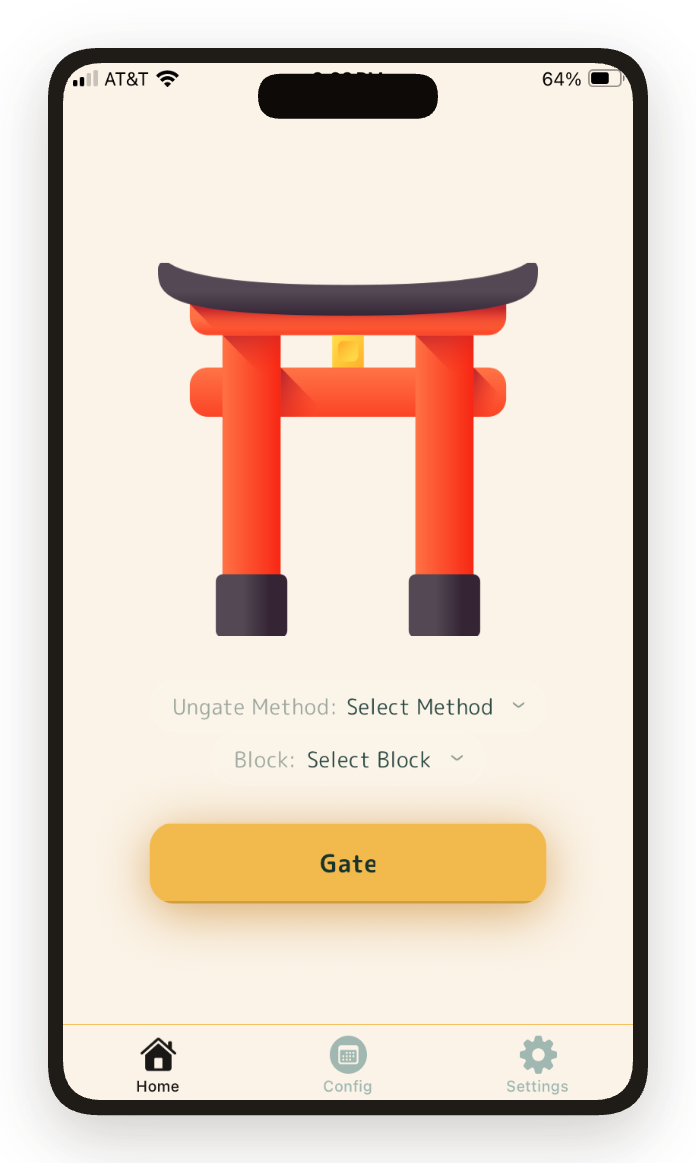
Not a timer. A gate.
Most blockers just set time limits. Gateles requires a moment of presence.
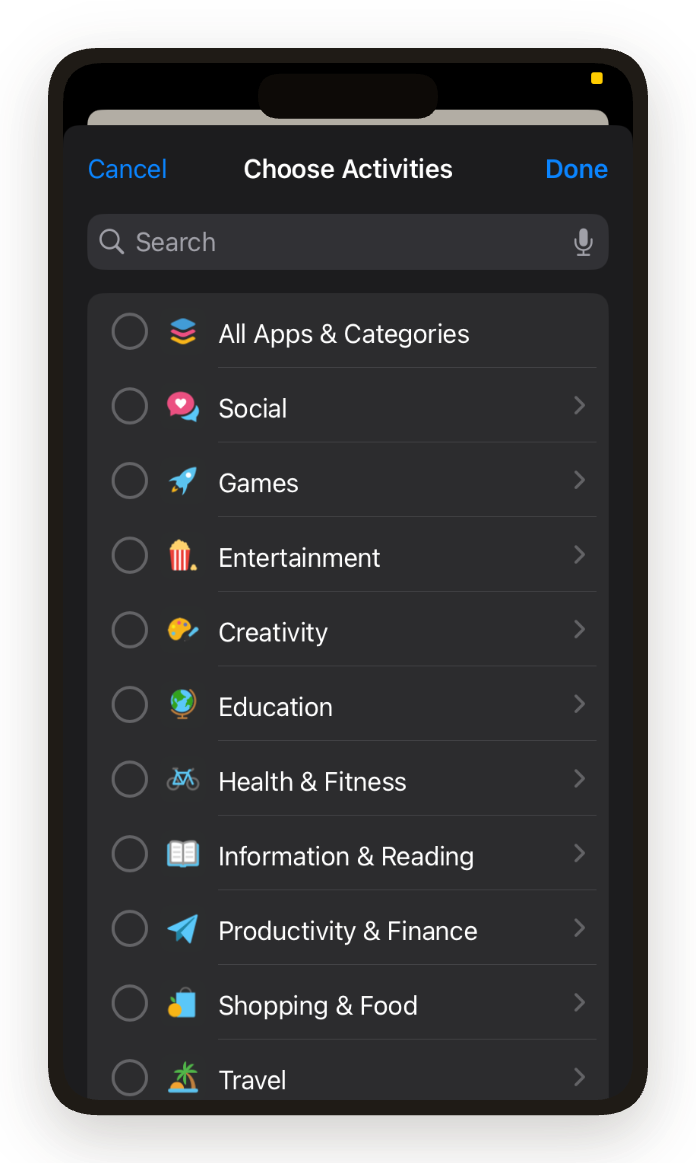
Works with iOS Screen Time.
Powered by Apple's Family Controls — real blocks, not easy to bypass.
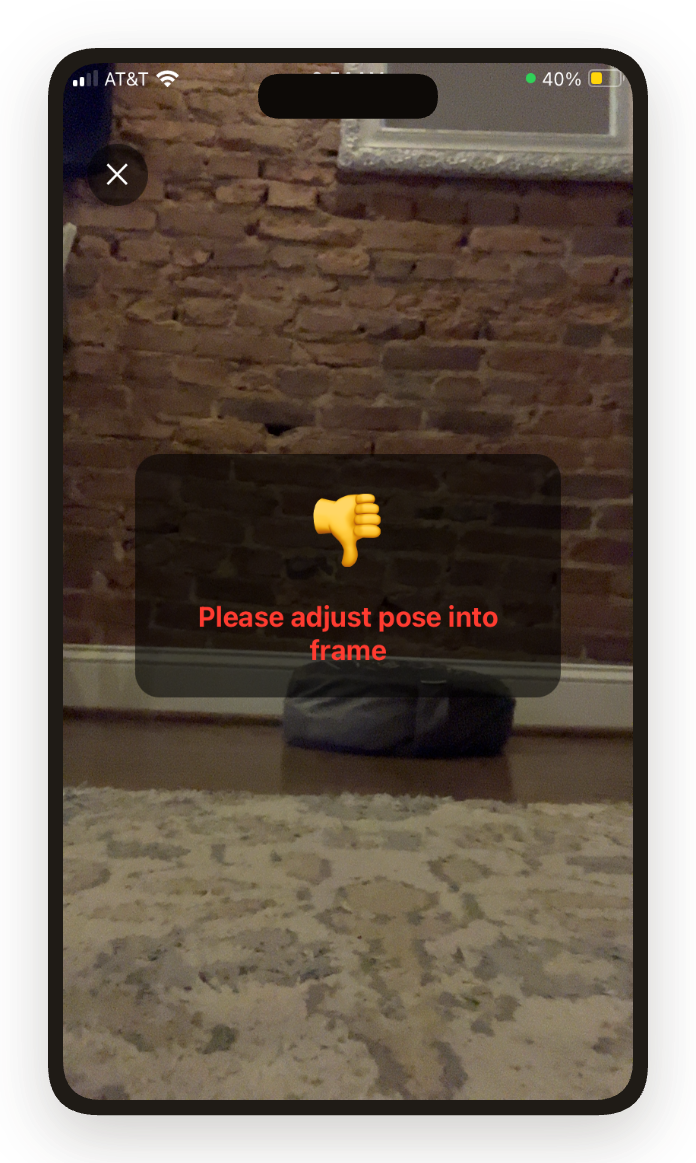
Meditation verified.
Customize how you want to verify your meditation. Hold yourself accountable and use your camera and pose detection to confirm you actually sat.
How verification works→Frequently Asked Questions
What is Gateles?
Gateles is an iPhone app that blocks distracting apps until you complete a verified meditation in Headspace, Calm, Waking Up, or the built-in timer. You can't skip it.
How does app blocking work?
Gateles uses iOS Screen Time (Family Controls) to block the apps or app categories you choose at the system level. Once a gate is active, those apps stay blocked until you complete a verified meditation session.
Which meditation apps work with Gateles?
Any meditation app that logs mindful minutes to Apple Health, including Headspace, Calm, and Waking Up. Gateles reads those sessions through HealthKit. If your app doesn't write to Apple Health, use the built-in timer instead.
How does verification with a third-party meditation app work?
Connect your meditation app to Apple Health so its sessions are logged as mindful minutes. Gateles reads them from Apple Health. A session counts when it is at least as long as your sit time and was logged after the gate went up.
How does camera verification work?
Camera verification is an optional part of the built-in timer. Gateles checks your posture through the front camera, so you need to stay still and upright for the full session. Processing happens entirely on-device and no video is stored.
What is an emergency unlock?
An emergency unlock opens an active gate without meditating. It is a strictly limited safety valve for real emergencies, not a skip button: you get a small, fixed number per period, and they are meant to be used rarely.
Can I set a schedule for blocking?
Yes. In the Setup tab you can create schedules that turn a gate on automatically on specific days and times. Schedules can be toggled on or off at any time.
How much does Gateles cost?
Free to download with a 1-week free trial, then $4.99 a month or $29.99 a year.
Does Gateles work on Android?
Not yet. Gateles is iPhone only for now.